Jzaas Video Editor
If you are searching for Jzaas Video Editor, you may be looking for information about a mobile video-editing application, its features, workflow, Android compatibility, or APK installation. This page explains the topic in a straightforward way and covers the important details to consider before downloading or using a video-editing app.
Mobile video editors have made it easier to create content directly from an Android phone. Users can edit clips, combine videos, add text, adjust audio, apply effects, and prepare content for sharing without needing a desktop computer.
Because similarly named applications can exist, it is important to verify the exact app name, developer, version, and source before downloading an application described as a Jzaas video editor.
What Is Jzaas Video Editor?
Jzaas Video Editor is a search term associated with video-editing content and applications connected with the Jzaas name. Depending on the specific application being discussed, users may be interested in editing workflows, available tools, Android compatibility, version information, or download instructions.
When researching a video editor, the most useful information is usually its actual purpose, available features, supported devices, export options, and installation requirements.
Jzaas provides information designed to help visitors understand video-editing applications before deciding whether to install or use them.
Important: The name “Jzaas Video Editor” should not automatically be treated as proof of an official Jzaas or CapCut product. Always verify the specific application and developer listed for the version you are considering.
Jzaas Video Editor App
A mobile video editor can provide a variety of tools for creating and improving videos. The exact features depend on the specific application and version.
Common video-editing functions may include:
- Video trimming and cutting
- Combining multiple clips
- Cropping and resizing
- Adding text
- Adding music or audio
- Filters and visual effects
- Transitions
- Speed controls
- Basic adjustments
- Video export
Not every application provides all of these tools, so users should check the actual feature list before installing a particular app.
Jzaas Video Editing Workflow
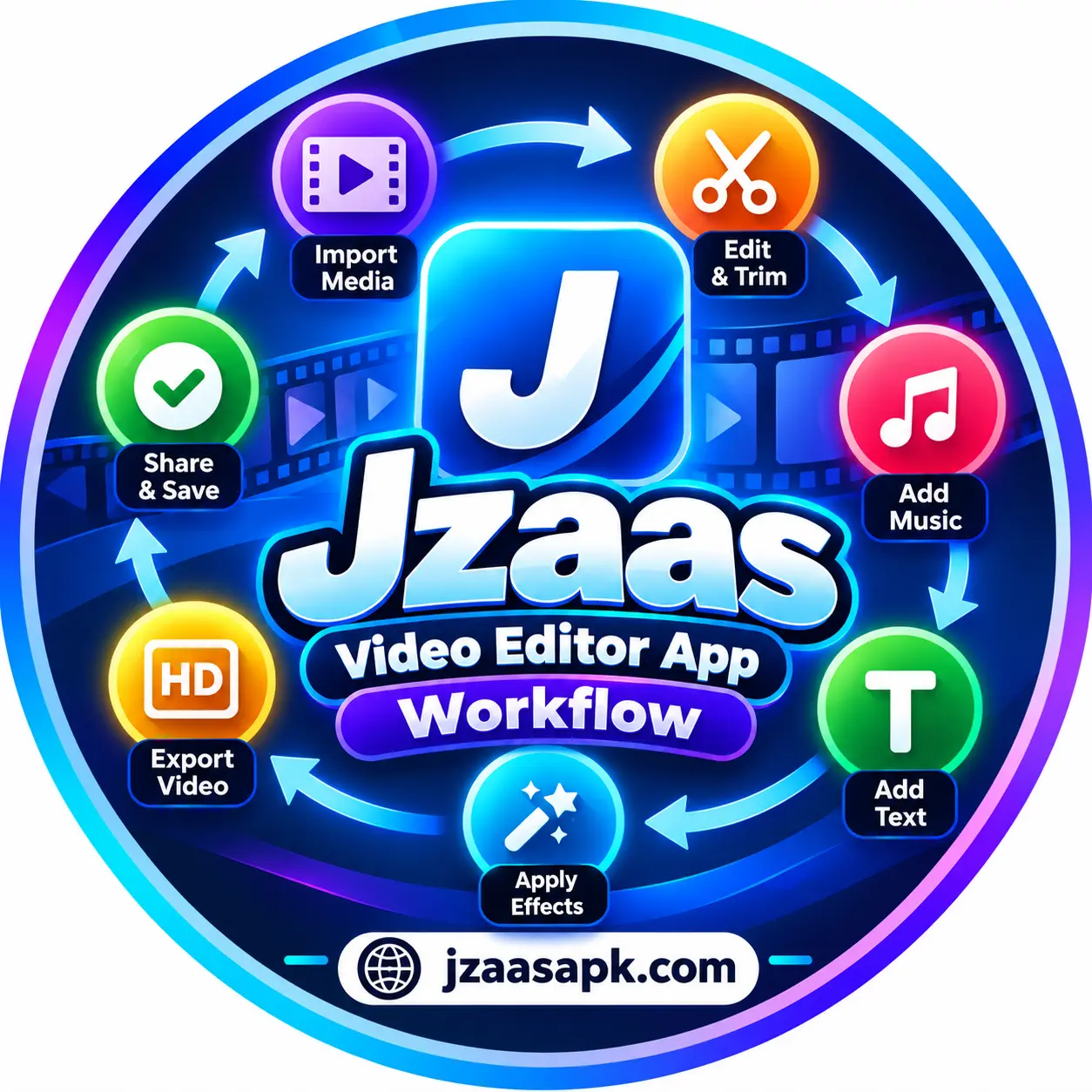
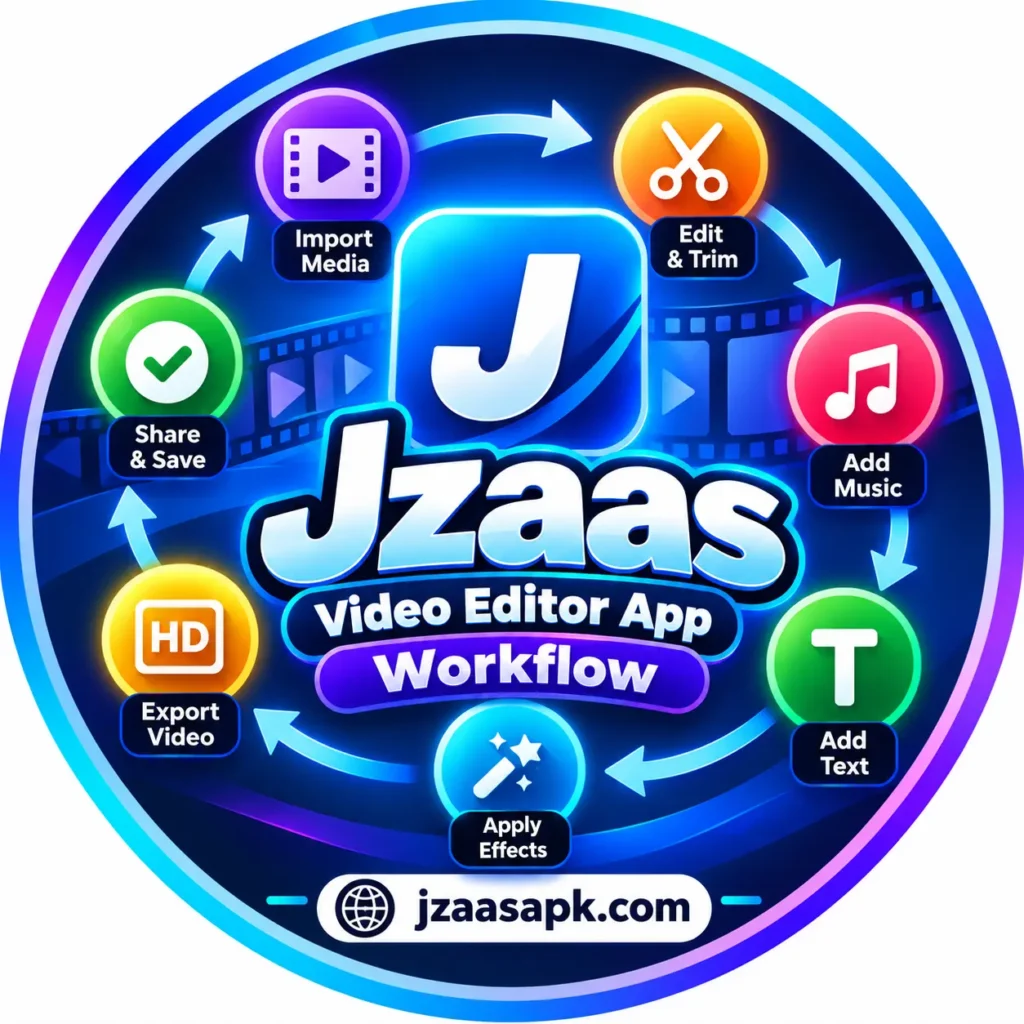
A typical mobile video-editing workflow starts with importing one or more video clips. The user can then arrange the clips on a timeline, remove unwanted sections, add creative elements, adjust audio, and export the finished project.
A basic workflow can look like this:
Import Your Video
Select the videos or media files you want to edit.
Arrange the Clips
Place the clips in the desired order and remove unnecessary sections.
Trim and Cut
Use trimming and cutting tools to create the required sequence.
Add Text and Effects
Depending on the application, you may be able to add titles, captions, filters, transitions, or other effects.
Adjust Audio
Review the original sound and add or adjust music, voice recordings, or other audio elements where supported.
Preview the Project
Watch the complete project before exporting it. This helps identify unwanted cuts, audio problems, or visual issues.
Export the Video
Select the available resolution and export settings that match your intended use.
Jzaas Video Editor Features
The available features depend on the exact Jzaas-related application and its current version. When evaluating a video editor, these are some of the main areas worth checking.
Video Trimming
Trimming allows users to remove unwanted sections from the beginning or end of a clip.
Video Cutting and Splitting
Cutting tools can divide longer clips into smaller sections that can be rearranged or edited separately.
Text and Captions
Text tools can be useful for titles, subtitles, labels, and social-media content.
Filters and Effects
Visual effects and filters can change the appearance of footage and provide different creative styles.
Transitions
Transitions can help connect multiple clips and make scene changes smoother.
Audio Editing
Depending on the application, users may be able to add music, adjust volume, record voiceovers, or work with the original video audio.
Export Options
Export settings are important because resolution, quality, format, and file size can affect the final video.
Jzaas Video Editor 2026
The keyword Jzaas Video Editor 2026 indicates an interest in current information. Application features, availability, compatibility, and versions can change over time, so older information should not automatically be treated as current.
When checking a video editor in 2026, consider:
- Current version
- Latest update
- Android compatibility
- Available editing tools
- Export options
- File size
- Storage requirements
- Developer information
- Current availability
A page should be updated when meaningful information changes rather than creating multiple nearly identical pages for different years.
Jzaas APK Video Editor 2026
The phrase Jzaas APK Video Editor 2026 combines video-editing and APK search intent. Users searching this phrase may be looking for an Android package associated with a video-editing application.
Before downloading an APK, verify:
- Exact application name
- Developer
- Version
- File size
- Android requirements
- Package source
- Available permissions
- Update information
The APK filename alone is not enough to establish the identity or authenticity of an application.
Jzaas APK Video Editor Download 2026
If you are specifically looking for a Jzaas APK video editor download 2026, first identify the application you intend to install.
A good download process begins with information rather than immediately opening a file.
Check the Application
Confirm the exact application name and developer.
Check the Version
Make sure the version corresponds to the release you are looking for.
Check Compatibility
Review the Android requirements before downloading.
Check the File
Compare the expected file information with the downloaded package when details are available.
Review the Source
Understand where the APK came from and whether the source is trustworthy.
Install Carefully
If Android displays a security or compatibility warning, understand the reason before continuing.
How to Install a Jzaas Video Editor APK
If you have obtained a compatible APK from a source you trust, the general Android installation process is straightforward.
Download the APK
Save the correct package to your Android device.
Locate the File
Open your Downloads folder or file manager.
Check the Package
Confirm that the filename and application information correspond to the application you intended to download.
Start Installation
Open the APK and follow the installation instructions displayed by Android.
Review Permissions
Pay attention to the permissions requested by the application.
Complete Installation
Wait for Android to finish installing the application.
Open the Video Editor
Launch the application and check whether it works correctly on your device.
Is Jzaas Video Editor Free?
Whether a particular Jzaas-related video-editing application is free depends on the exact application and its distribution model.
Some video editors provide free basic tools while offering additional features through premium plans or purchases. Others may use advertisements or different monetization methods.
Before installing an application, check its current listing and available pricing information rather than assuming that every feature is free.
Jzaas Video Editor vs Other Mobile Editors
When choosing a video editor, don’t focus only on the application name. Compare the features that actually matter for your workflow.
| Feature | What to Check |
|---|---|
| Editing tools | Trim, cut, split and arrange clips |
| Text | Titles, captions and subtitles |
| Effects | Filters and visual effects |
| Audio | Music, volume and voice options |
| Export | Resolution, format and quality |
| Compatibility | Supported Android versions |
| Storage | Required installation and project space |
| Ease of use | Interface and editing workflow |
| Premium features | Free vs paid functionality |
This approach helps users choose an editor based on their actual needs.
Tips for Better Mobile Video Editing
Keep Your Project Organized
Use clearly named clips and remove unnecessary footage before beginning the final edit.
Edit to the Story
Arrange clips in an order that makes sense instead of adding effects simply because they are available.
Keep Effects Balanced
Too many transitions or visual effects can make a video harder to watch.
Check Audio
Poor audio can reduce the quality of an otherwise good video. Always preview the final soundtrack before exporting.
Choose the Right Export Settings
Higher resolution can produce larger files. Select settings appropriate for the platform where you plan to share the video.
Keep Enough Storage Available
Video projects can require substantial storage, particularly when working with high-resolution footage.
Common Jzaas Video Editor Problems
The APK Will Not Install
Check Android compatibility, available storage, and whether the APK downloaded correctly.
The App Crashes
The device may not meet the application’s requirements, or the application may have compatibility issues with the current Android version.
Export Takes Too Long
Video rendering can require significant processing power. Large projects and high-resolution exports may take longer.
The Video Looks Different After Export
Check the export resolution, format, compression, and other available settings.
There Is Not Enough Storage
Video projects and exported files can be large. Remove unnecessary files or move completed projects to another storage location.
Jzaas Video Editor 2026: What Should You Check?
Before using or downloading a video editor, review the current information available for the specific application.
The most important factors include:
- Current app version
- Developer information
- Android compatibility
- Available features
- File size
- Export capabilities
- Storage requirements
- Pricing or premium features
- Update history
- Download source
This checklist is more useful than relying on a year number alone.
Frequently Asked Questions
What is Jzaas Video Editor?
Jzaas Video Editor is a search term associated with video-editing content or applications connected with the Jzaas keyword. The exact application should be verified before installation.
Is Jzaas Video Editor an Android app?
The answer depends on the specific application being referenced. Check the application’s official or verified listing for its platform and developer information.
What is Jzaas Video Editor 2026?
It refers to current-year searches for information about a Jzaas-related video-editing application, including its version, features, compatibility, and availability.
Can I download Jzaas Video Editor APK?
If a compatible APK exists for the specific application, users should verify the application identity, developer, version, source, and Android requirements before downloading it.
What is Jzaas APK Video Editor 2026?
It is a search phrase combining Jzaas, APK, video-editor, and the 2026 year modifier. The exact application behind the search should be confirmed before installation.
How do I install a video editor APK?
Download the appropriate package from a source you trust, check its compatibility, open the APK, follow Android’s installation prompts, review permissions, and launch the application after installation.
Is Jzaas Video Editor free?
Pricing depends on the specific application. Some video editors offer free features while others include advertisements, subscriptions, or premium tools.
What should I check before downloading a Jzaas Video Editor APK?
Check the exact application name, developer, version, file size, Android requirements, permissions, and download source before installing the package.
Final Thoughts
Jzaas Video Editor searches cover an area of growing interest among Android users who want to create and edit videos from their mobile devices. Understanding the application before downloading it is just as important as finding the APK itself.
Before installing any Jzaas-related video editor, verify the exact application, developer, version, compatibility, features, and source. For current Jzaas Video Editor 2026 information, rely on the latest available app details rather than assuming that older versions or third-party descriptions are still accurate.
Jzaas provides guides and app information to help users explore Android applications, video editors, games, and creative tools with greater clarity.