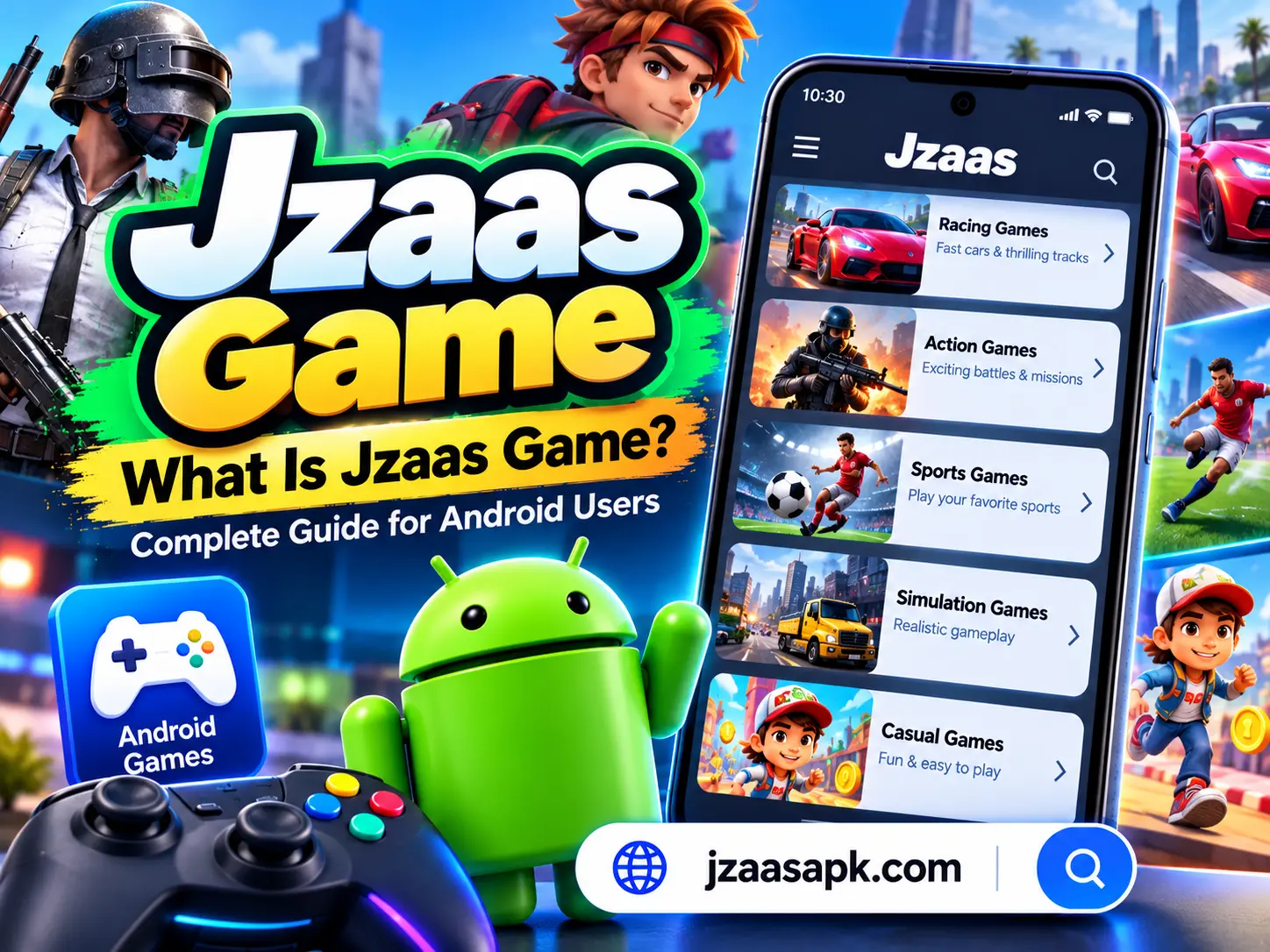
If you enjoy discovering mobile games, you may have searched for Jzaas Game to learn what it is, what types of games are available, and how to explore gaming content related to Jzaas. Before downloading anything, it is helpful to understand the term and know what to check when choosing an Android game.
Jzaas is associated with online content about Android apps, mobile games, video editors, and APK guides. The phrase Jzaas Game may refer to searches for game-related information or a particular game associated with the Jzaas name. However, the keyword alone does not identify one specific game or confirm that an official standalone Jzaas game exists.
In this guide, we will explain what Jzaas Game means, explore common mobile gaming categories, and share practical tips for choosing and installing Android games.
What Is Jzaas Game?
Jzaas Game is a search term used by people looking for information about games and Android gaming content associated with Jzaas.
Visitors searching for this keyword may want to discover mobile games, learn about game features, understand installation requirements, or find APK-related information.
It is important to distinguish a gaming information website from an actual game. A website can publish game guides without developing or owning the games it discusses.
If you find a download advertised as Jzaas Game, check the developer, official listing, package name, and game description before installing it. These details can help you determine whether the file belongs to a genuine game.
What Types of Android Games Can You Explore?
Android offers games for different interests, skill levels, and playing styles. Understanding these categories can help you decide which games are worth exploring.
Racing Games
Racing games focus on speed, driving, and competition. Depending on the title, players may drive cars, motorcycles, or other vehicles across different tracks and environments.
Before installing a racing game, check its graphics requirements, controls, storage needs, and compatibility with your phone.
Sports Games
Sports games let players participate in virtual versions of activities such as football, basketball, cricket, and other sports.
Some titles focus on realistic gameplay, while others use simplified controls and arcade-style mechanics. Your preferred style can help you choose the right game.
Simulation Games
Simulation games recreate activities such as driving, building, farming, managing businesses, or operating vehicles.
These games can appeal to players who enjoy completing tasks, exploring virtual environments, and making decisions over time.
Action and Adventure Games
Action games often emphasize quick reactions, combat, exploration, or completing missions. Adventure games may focus more on storytelling, puzzles, and discovering new locations.
Some games combine both genres, giving players a mixture of challenges and exploration.
Casual Games
Casual games usually feature straightforward controls and short gameplay sessions. Puzzle games, word games, and simple arcade titles are common examples.
They can be suitable for users who want entertainment without learning complicated controls.
How to Choose the Right Android Game
Finding a game is easy, but choosing one that works well on your device requires a little research.
Check Your Phone’s Compatibility
Start by checking the game’s minimum Android version and hardware requirements. Some games need a newer operating system, more RAM, or a stronger processor.
If your phone does not meet the requirements, the game may not install or run smoothly.
Review Graphics and Performance
High-quality graphics can improve the gaming experience, but demanding games may perform poorly on lower-end devices.
Look for information about graphics settings and performance requirements before downloading a large game.
Check Storage Requirements
Games can require substantial storage, particularly when they include additional resources or downloadable content.
Check the total storage requirements and leave enough free space for updates and saved data.
Understand In-App Purchases
Some games are free to install but offer optional purchases, subscriptions, or paid upgrades.
Review the pricing information so you understand which features cost money before you begin playing.
What Is Jzaas Game APK?
The phrase Jzaas Game APK may be used by people searching for an Android game installation file associated with Jzaas.
An APK is an Android application package used to install compatible applications manually. However, searching for a game APK does not guarantee that a genuine or official file exists.
Before downloading a file labelled Jzaas Game APK, verify its identity and source. Check the developer information, package name, version number, file size, and Android requirements.
Do not assume that a file is official simply because its name contains the Jzaas keyword.
How to Download and Install Android Games
If you want to install an Android game, follow these general steps.
Find the Game
Search for the exact game title through a trusted app store or the developer’s official website.
Review the Game Information
Check its description, developer, ratings where available, permissions, compatibility, and pricing.
Download From a Trusted Source
Prefer official distribution channels. If you are considering a third-party APK, verify the file carefully before proceeding.
Install the Game
Follow the instructions provided by Android or the official app store. If you encounter a security warning, understand why it appears before continuing.
Test the Game
Open the game and check its performance. If it crashes, overheats your device, or requests unexpected permissions, stop using it until you understand the problem.
Is Jzaas Game Safe?
Safety depends on the specific game or file you intend to install. The term Jzaas Game alone does not confirm that a download is genuine, official, or secure.
Use these precautions before installing any game:
- Download from a trusted source.
- Verify the developer and game identity.
- Check the version and Android requirements.
- Review requested permissions.
- Avoid suspicious download buttons and unexpected redirects.
- Scan downloaded files with reputable security software when possible.
- Avoid modified files that promise unrealistic benefits.
Remember that no single check can guarantee a file is completely safe. If you cannot verify its source, avoid installing it.
Common Android Gaming Problems
Game Will Not Install
The file may be incomplete, incompatible with your phone, or in conflict with an existing version.
Game Runs Slowly
Close unnecessary background apps, check available storage, and lower the graphics settings if the game supports them.
Game Crashes Frequently
Crashes may result from software bugs, outdated versions, or device limitations. Check for verified updates and review the game’s compatibility requirements.
Game Requires More Storage
Remove unnecessary files or applications if needed. Avoid deleting important game data unless you have a backup.
Frequently Asked Questions
What is Jzaas Game?
Jzaas Game is a search term used by people looking for Jzaas-related gaming information. It does not identify one specific game without additional verified details.
Is Jzaas Game available for Android?
The keyword alone does not confirm the existence of an official standalone game. Check for a verifiable developer listing or official announcement.
Can I download Jzaas Game APK?
First verify whether a genuine game and official APK exist. Avoid downloading files from sources that cannot establish their authenticity.
Are Android games free?
Some are free, while others require payment or offer in-app purchases. Check the game’s pricing information before installing it.
How can I choose a game for my phone?
Compare the game’s genre, compatibility, storage requirements, performance needs, and pricing before downloading.
Final Thoughts
Jzaas Game is a search term related to Android gaming information and Jzaas-associated content. If you want to explore mobile games, start by identifying the exact title and checking its features, compatibility, and developer information.